
Searching for a BACB attestation form can be confusing because the phrase sounds like it describes one universal document. It does not. The correct document depends on whether you are documenting Pathway 2 coursework, verifying supervised fieldwork, applying for RBT certification, or trying to resolve an older coursework record.
Table of Contents
- BACB Attestation Form: Start With the Pathway
- Compare the Main BACB Form Paths
- Pathway 2 Coursework Attestation
- Fieldwork Verification Forms Are a Different Task
- RBT Attestation Is Not a BCBA Attestation
- How to Choose and Prepare the Right Form
- Check Current Versions Before You Submit
- Common BACB Attestation Form Mistakes
- Quick Review Checklist
- Take the Free BCBA Mock Exam
- References
The safest approach is to identify the pathway first, then confirm the current document version on the Behavior Analyst Certification Board (BACB) website. This guide explains which form family matches each situation, who normally completes it, and what to check before you submit an application. It is educational guidance, not a substitute for instructions from the BACB or your program contact. Table of Contents
BACB Attestation Form: Start With the Pathway
Before downloading anything, ask what the document is proving. A coursework attestation supports an education pathway. A fieldwork verification form documents supervised experience over a defined period. An RBT certification attestation belongs to a different credential and should not be used as a BCBA application substitute. These documents can all appear in search results for “BACB attestation form,” but they answer different administrative questions.
The BACB’s Application Processing Updates page is the best first stop for document-version information. The current BCBA Handbook then provides the broader application rules and record-retention expectations. Use both sources instead of relying on a third-party PDF whose filename looks current.
Compare the Main BACB Form Paths
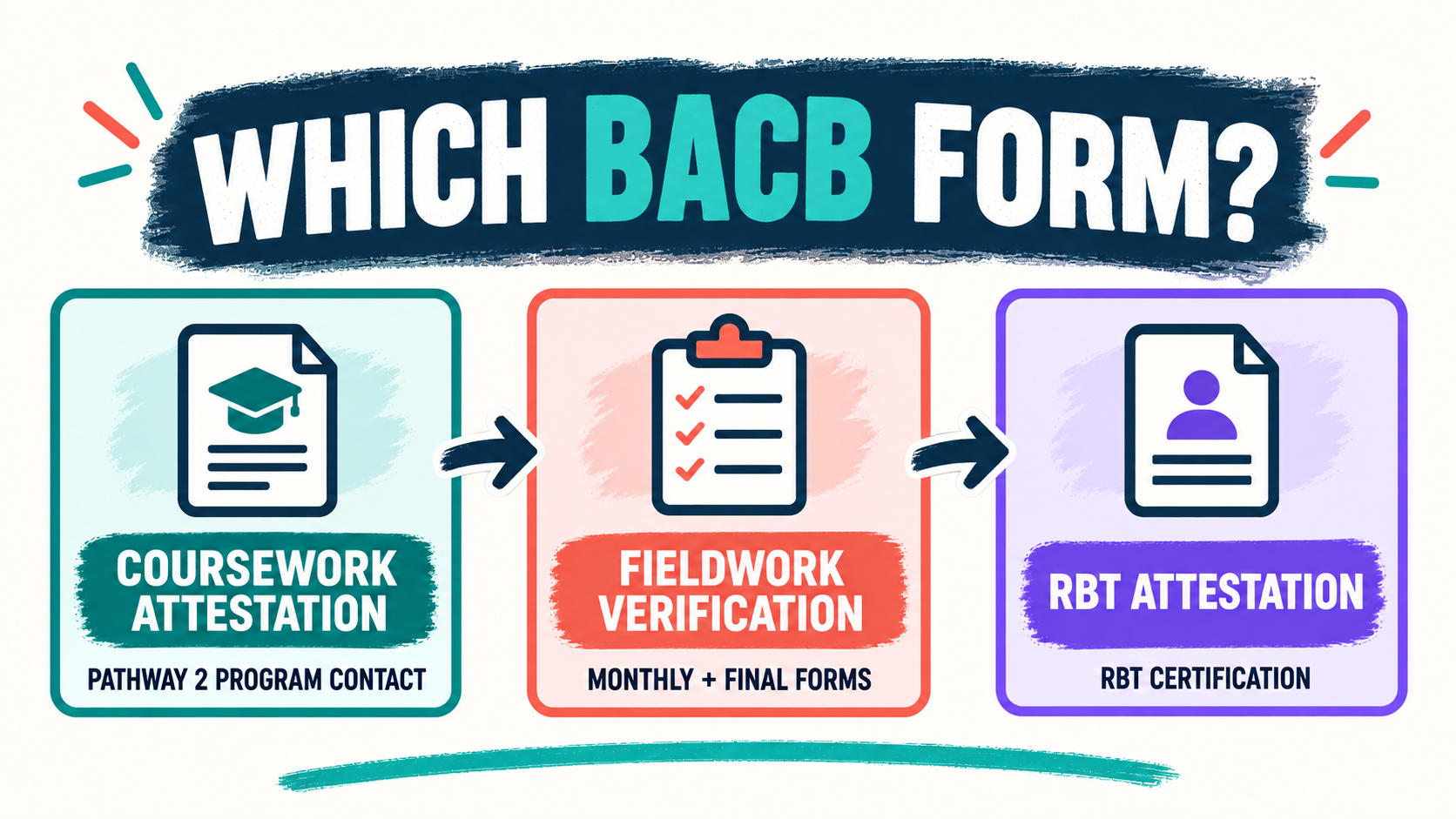
Use the table as a routing tool rather than as a replacement for the official instructions. If two rows seem possible, stop and ask the program contact, supervisor, or BACB which requirement your application is actually satisfying.
| Document path | What it supports | Who or what to verify | Main caution |
|---|---|---|---|
| Pathway 2 Coursework Attestation | Coursework completed through a Pathway 2 program contact | The current program contact and the BACB account email process | Do not replace it with a random course-content template |
| Monthly or Final Fieldwork Verification | Supervised fieldwork records and the end of a fieldwork period | Supervisor, trainee, dates, hours, and the applicable fieldwork route | A fieldwork form is not the same thing as a coursework attestation |
| RBT Certification Application Attestation | An RBT certification application requirement | The RBT instructions, qualified attester, signature, and timing rule | It is not a BCBA coursework or fieldwork form |
| Nonverified Course Content Attestation | A narrow historical or edge-case record question | Whether the current BACB rules allow the coursework route at all | The BACB says nonverified coursework is no longer accepted for ordinary BCBA or BCaBA applications as of January 1, 2026 |
The key distinction is the evidence behind the signature. If the form confirms a course sequence, look for the coursework pathway. If it confirms supervised hours and dates, look for fieldwork verification. If it confirms a different credential, check the credential name before entering any information.
Pathway 2 Coursework Attestation
The BCBA Pathway 2 Coursework Attestation is the most likely match when a BCBA applicant is documenting coursework through a current Pathway 2 program contact. The BACB page describes a program-contact workflow rather than a form that every applicant completes independently. That means the first practical step is usually contacting the right person at the program, not editing a downloaded copy.
Pay attention to the account and record details. The official instructions indicate that the attestation is connected to the student’s BACB account process, that the program contact submits it using the required route, and that the student should keep a copy of the attestation and supporting records. A document can look complete and still be unusable if it comes from the wrong person, is sent through the wrong account, or does not match the pathway selected in the application.
Before you ask for the attestation, prepare a short fact sheet for the program contact. Include your legal name as it appears in the BACB account, the program name, the relevant completion dates, and the application pathway you intend to use. Do not ask the contact to attest to courses or dates they cannot verify. Accurate source records protect both the applicant and the person signing.
- Confirm that the program is the correct Pathway 2 contact for your record.
- Use the name and email associated with your BACB account when the instructions require it.
- Compare the course record with the program’s own transcript or completion documentation.
- Save the submitted copy and supporting records for the period required by the BACB.
Fieldwork Verification Forms Are a Different Task
Many people searching for a BACB attestation form are actually trying to document fieldwork. In that situation, the relevant records are usually the monthly and final fieldwork verification forms, not the Pathway 2 Coursework Attestation. The fieldwork documents connect a supervisor and trainee to dates, hours, supervision, and the applicable experience requirements.
Use the current fieldwork instructions and handbook to determine whether you need a monthly verification, a final verification, or another record for the specific application route. The important point is that fieldwork evidence is cumulative and date-sensitive. A supervisor’s signature cannot repair missing session records, inconsistent hour totals, or a form that uses the wrong period.
Older PDFs deserve special care. The BACB’s application-processing page may distinguish documents used for older requirements from documents used for current requirements. That does not mean every old form is automatically correct for every applicant. Note the requirement year, compare the official version guidance, and ask the supervisor to use the document that matches the period being verified.
- Match each verification period to the correct dates in your fieldwork tracker.
- Reconcile monthly totals with the final fieldwork record before requesting signatures.
- Check that supervisor and trainee details are consistent across every document.
- Keep the underlying logs and supervision records, not only the signed summary page.
RBT Attestation Is Not a BCBA Attestation
The RBT Certification Application Attestation belongs to the RBT certification process. It can appear prominently when you search the broad phrase “BACB attestation form,” but its credential and signer requirements are different. If your goal is a BCBA application, do not use an RBT attestation simply because it is the first downloadable PDF you find.
Start by reading the title at the top of the document and the credential named in the instructions. Then check who is allowed to attest, when the signature must be completed, and whether the application payment or submission creates a timing window. If the document says RBT, treat that as a routing signal: return to the BCBA pathway instructions instead of trying to adapt the form yourself.
How to Choose and Prepare the Right Form
A simple decision process prevents most avoidable form errors. First identify the evidence requested. Next identify the person or organization authorized to provide that evidence. Only then open the document and enter details. This order matters because a polished form with the wrong purpose can delay an application just as easily as an incomplete form.
- Name the requirement: coursework, supervised fieldwork, RBT certification, or an older record issue.
- Locate the official instruction: use the BACB page or handbook that governs that requirement.
- Verify the signer: confirm the program contact, supervisor, or qualified attester before requesting a signature.
- Check the dates: make sure the form version and the requirement period belong together.
- Save the evidence: retain the completed document and the records that support every statement.
Before submission, review the following details in one pass:
- Legal name, account email, and identifying information match the application.
- Credential and pathway labels match the application you are actually submitting.
- Dates, course records, fieldwork hours, or certification details are internally consistent.
- Every required signature, attestation date, and contact detail is present.
- The official page confirms that the version is current for your requirement year.
Check Current Versions Before You Submit
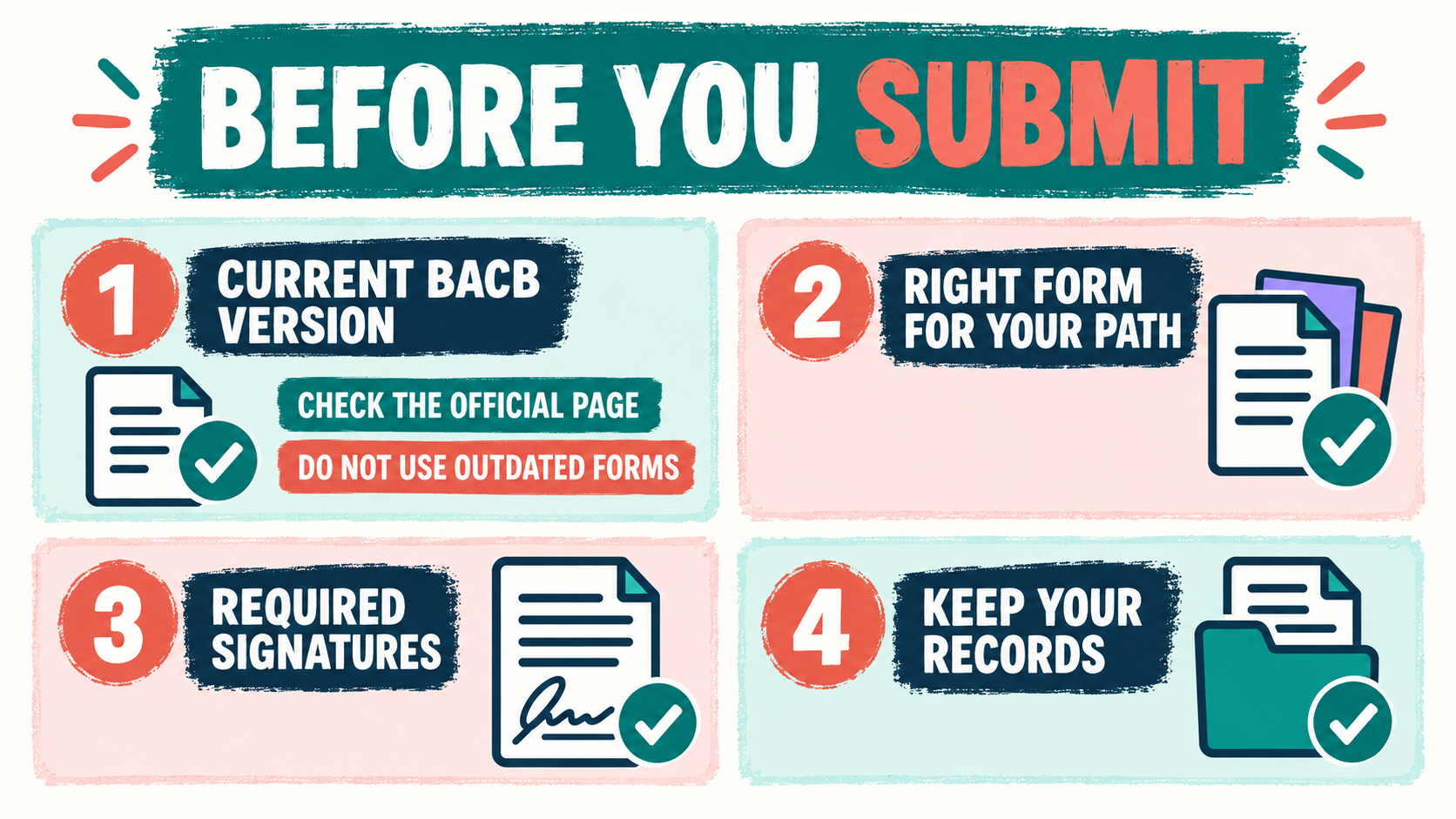
Certification forms change when application pathways, coursework standards, or fieldwork requirements change. That is why a 2027 discussion, a recent forum post, or a search-result snippet should be treated as a reason to verify—not as permission to use a new form before the BACB publishes it. The BACB’s Application Processing Updates page and handbook are the controlling places to check for the version and transition language that apply to your record.
For a current application, record the date you checked the official page and save the relevant instruction with your paperwork. If you are applying under an older requirement year, read the transition note rather than assuming that “newest” always means “correct.” When a page is unclear, contact the BACB or your authorized program contact with a focused question that names the pathway and requirement year.
- Check the official update page immediately before requesting the signature.
- Read the handbook section that explains the application pathway, not only the PDF filename.
- Write down the requirement year and the document version used for your records.
- Ask for clarification when an older requirement and a current form appear to conflict.
Common BACB Attestation Form Mistakes
Most problems come from treating a search phrase as if it were an official document title. The words “attestation form” describe an administrative function, not necessarily one file. Avoid the following shortcuts:
- Downloading the first PDF without checking whether it says BCBA, BCaBA, or RBT.
- Asking a supervisor to sign a coursework attestation, or asking a program contact to verify fieldwork.
- Using a form from an old requirement year without reading the BACB transition guidance.
- Changing the wording of an official document to make it fit a different pathway.
- Submitting a signature without keeping the logs, transcript, or supporting records behind it.
Quick Review Checklist
Use this short checklist before you upload or send anything. You should be able to answer each question in one sentence:
- What exact requirement does this document prove?
- Which official BACB page tells me to use it?
- Who is authorized to complete or sign it?
- Which dates and requirement year does it cover?
- Where is the saved copy and the supporting evidence?
Take the Free BCBA Mock Exam
Once the administrative details are organized, you can return to studying with less noise. If you want a low-pressure way to check recall and practice reading BCBA-style scenarios, try our BACB attestation form practice questions and review why each answer fits. Practice questions cannot replace official application instructions, but they can help you build a consistent study routine. Take the Free BCBA Mock Exam
References
- BACB Application Processing Updates
- BACB BCBA Handbook
- BACB BCBA Pathway 2 Coursework Attestation
- BACB Nonverified Course Content Attestation