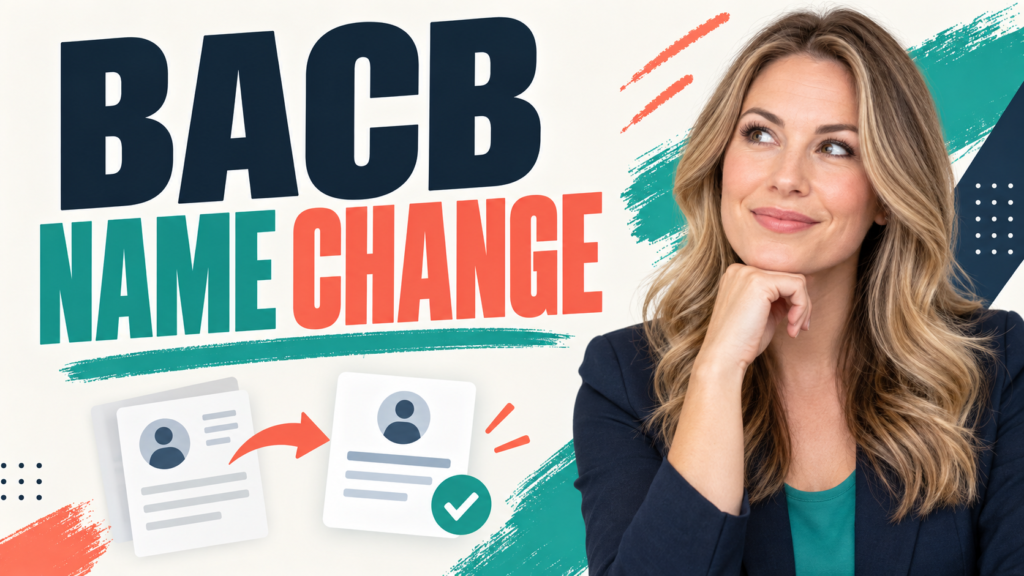
If your legal name has changed, the BACB name change process starts in your BACB portal account. The current BACB Contact Us guidance directs users to My Account → Profile Settings → Name Updates, where they choose the reason for the update, enter the requested information, upload the required documentation, and submit the request.
Table of Contents
- What Does a BACB Name Change Do?
- When Should You Submit a BACB Name Change Request?
- How to Complete a BACB Name Change in the Portal
- What Documentation and Identity Details Should You Check?
- What Should You Do Before a BCBA Exam or Application?
- BACB Name Change Processing and Troubleshooting
- BACB Name Change Checklist and FAQs
- Take the Free BCBA Mock Exam
A name update is an account-record correction, not a new certification identity. The goal is to make the name in your BACB account, examination identification, application records, and official identification line up. The current BCBA Handbook describes the policy in more detail. This guide explains the current workflow, what to check before an exam or application, and what to do if the update does not appear immediately.
What Does a BACB Name Change Do?
A BACB name change updates the personal name associated with your BACB account after a legal name change, an identification mismatch, or a need to notify the BACB of a former name on application documents. The current BCBA Handbook describes these as situations in which a Name Change Request may be necessary.
This is different from changing your BACB ID, changing a certification level, or creating a second account. Your account remains the same account. You are asking the BACB to review and update the name record so that future correspondence, examination identification, and certification documents can be matched correctly.
| Situation | Why it matters | Next move |
|---|---|---|
| Your legal name changed. | The account and future records may no longer match current identification. | Submit a Name Change Request in the portal with the documentation the BACB requests. |
| Your BACB name does not match your ID. | A mismatch can create problems at an examination appointment or during application review. | Resolve the name record before relying on the account for an exam or application. |
| An application document uses a former name. | The BACB needs the relationship between the current account name and the older document to be clear. | Use the portal option that fits the situation and follow the request for official evidence. |
When Should You Submit a BACB Name Change Request?
Submit the request as soon as the name change or mismatch is known. Do not wait until the day of an examination appointment or the final stage of an application. BACB guidance says name changes require staff review, so the update can take time and may affect exam or application timing. Use the request when one of these statements is true:
- Your current legal name is different from the name in your BACB account.
- Your name in the account does not match the government-issued identification you expect to use for an exam.
- Your application or supporting records contain a former name that needs to be connected to your current account record.
- The BACB has asked you to correct or explain a name discrepancy.
Do not open a new BACB account to work around a mismatch. A second account can create a separate administrative problem. Sign in to the account that contains your existing application, certification, or examination history and use the name-update workflow there.
How to Complete a BACB Name Change in the Portal
The labels in a portal can change, so use the live BACB screen as the final authority. The current BACB Contact Us guidance gives this path:
- Sign in to your BACB portal account. Use the account connected to your existing BACB record. If you cannot access the account email, use the BACB contact workflow rather than creating another account.
- Open My Account. Go to the account area where profile and application information are maintained.
- Choose Profile Settings. Look for the profile section rather than an exam-registration screen.
- Open Name Updates. Select the option that best describes why you are requesting the change.
- Enter the requested name information. Use the current legal name exactly as it should appear on official identification and future records.
- Upload the required documentation. Follow the portal’s current prompt. The BACB may ask for documentation that verifies the change or explains the mismatch.
- Review before submitting. Check spelling, order of names, dates, and uploaded files. Make sure the selected reason matches the evidence.
- Submit the request. Save the confirmation or submission record so you can refer to it if the update takes longer than expected.
Think of the request as a record-matching task. A correct spelling is not enough if the supporting document, account, and exam identification still tell different stories. Review the complete chain before you submit.
What Documentation and Identity Details Should You Check?
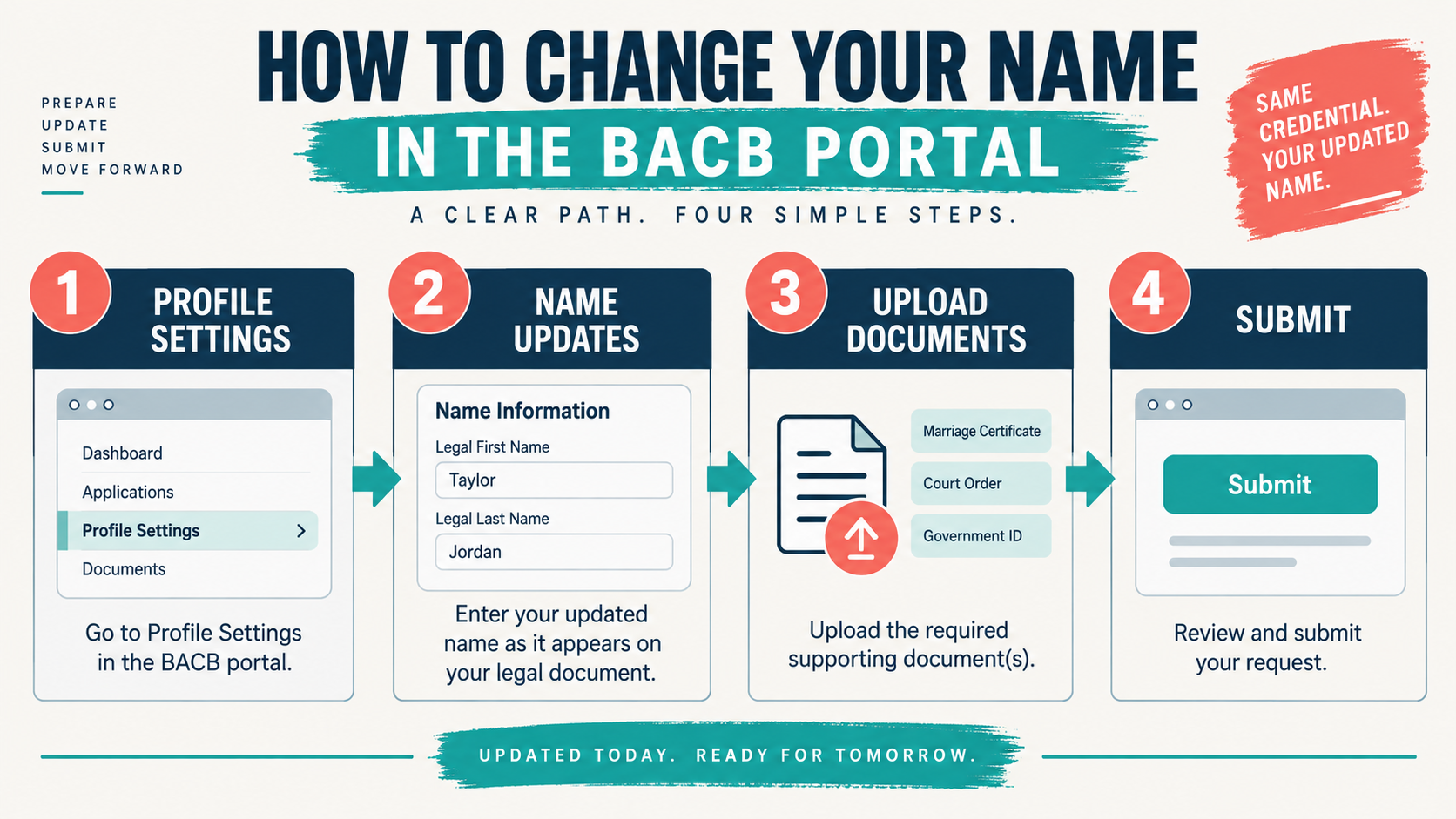
The BACB’s current instructions tell users to upload the required documentation shown in the portal. Because the requested evidence can depend on the reason for the change, do not rely on a generic internet checklist or upload unrelated personal documents. Read the live prompt and provide the official evidence it asks for. Before uploading anything, create a simple comparison across the records you will use:
| Record | Check | Common mistake |
|---|---|---|
| BACB portal account | Confirm the current name, spelling, order, and any middle-name field. | Assuming a display-name change automatically updates the legal record. |
| Government-issued ID | Use the name and order that will be presented for identity verification. | Booking an exam while expecting an old name to be accepted automatically. |
| Application and transcripts | Note where a former name appears and keep the evidence that connects the records. | Submitting a new document without explaining an older name already in the file. |
| Request confirmation | Keep the submission date, confirmation, and any follow-up message. | Submitting repeatedly without checking whether the first request is still under review. |
Protect personal information while preparing the upload. Send documents through the BACB portal or the official contact route requested by the BACB. Do not post an ID or legal document in a public forum, and do not send sensitive files to an unofficial address found in a search result.
What Should You Do Before a BCBA Exam or Application?
Resolve the name issue before scheduling or attending an examination appointment whenever possible. The BACB’s examination-identification guidance emphasizes that the name used for examination identification must match the account and identification requirements. A name mismatch can become a same-day problem even when the person is otherwise authorized to test. Before moving forward, check these three checkpoints:
- Account: the BACB portal shows the current name or the request is clearly under review.
- Identification: the name you will present at the testing center matches the applicable BACB identification instructions.
- Application: your application documents either use the current name or clearly connect the former name to the current record.
If you are already in an application or have an appointment scheduled, do not assume that submitting a name request automatically changes every downstream record. Review the current BACB instructions and contact the BACB if the portal does not show what you need. Keep the request confirmation available when asking for help.
BACB Name Change Processing and Troubleshooting
The current BACB Contact Us page says to allow about two weeks for processing and notes that staff may contact you if additional information is required. That is a planning estimate, not a promise that every request will be completed in exactly two weeks. If the name still has not changed after the expected review period, work through this order:
- Confirm that the request was submitted, not merely saved as an unfinished form.
- Check the account email and spam folder for a BACB follow-up.
- Review whether the uploaded document is readable and matches the reason selected in the request.
- Check the current BACB portal-status or Contact Us guidance for a transition notice.
- Submit an official contact request with the confirmation details if the record remains unresolved.
The BACB’s current Contact Us guidance also states that name-change requests submitted before June 29, 2026, must be resubmitted after the portal transition. If your request predates that notice, verify its status and follow the current portal instruction rather than assuming the older request transferred successfully.
BACB Name Change Checklist and FAQs
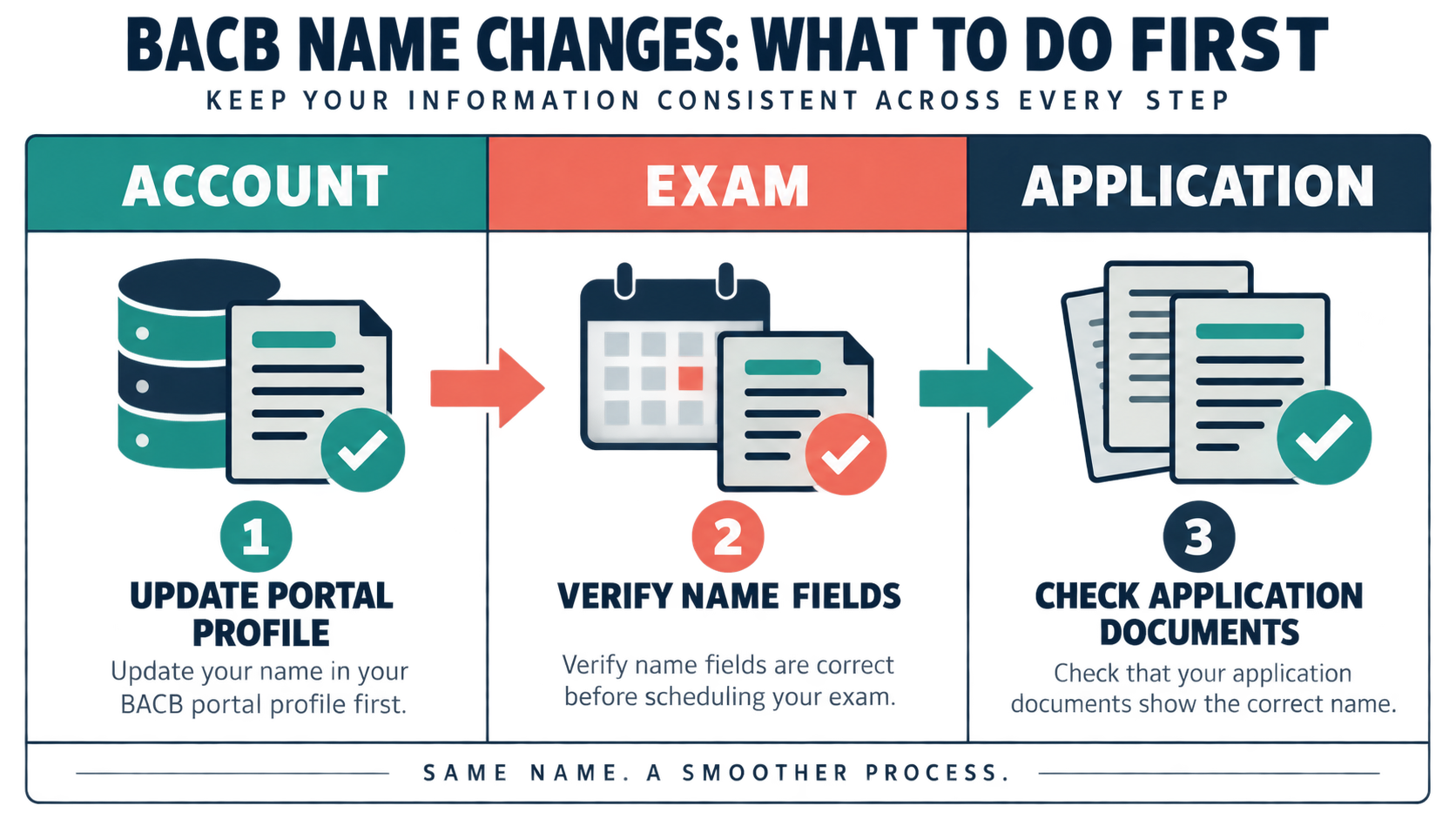
Use this final review before you schedule an exam, submit an application, or close the issue:
- Use the existing BACB account; do not create a second account to solve a name mismatch.
- Open My Account → Profile Settings → Name Updates.
- Select the reason that matches the actual change or discrepancy.
- Enter the current legal name exactly and upload the documentation requested by the portal.
- Save the submission confirmation and watch for follow-up questions.
- Verify the account name, exam identification, and application records before the next deadline.
- Use the official BACB Contact Us route if the request is delayed or the account is inaccessible.
Is a BACB name change the same as changing my certification name?: It is an account and record update that can affect certification-related documents, but it does not create a new credential or change your BACB ID. Follow the BACB’s current review process and confirm how the update affects any active application or certification record.
How long does a BACB name change take?: The current BACB Contact Us guidance says to allow two weeks for processing. Requests that need clarification or additional documentation can take longer, so submit early and keep the confirmation.
What if I cannot log in to the BACB account?: Use the official BACB contact workflow. The current guidance says that if you no longer have access to the account email, you may be asked verification questions for account security. Do not create a duplicate account.
Should I submit my name-change request before registering for the BCBA exam?: If your account name and examination identification do not match, resolve or clarify the mismatch before relying on an appointment. Check the current identification rules and contact the BACB if timing is tight.
A clean name record removes an avoidable administrative obstacle, but it does not replace exam preparation. Once your account and documents are aligned, you can use our free BCBA mock exam for practice. It is a study tool—not a BACB name-change service, official application review, or certification guarantee.
Take the Free BCBA Mock Exam
If you want a low-pressure way to check your recall, use the free practice resource below. Take the Free BCBA Mock Exam