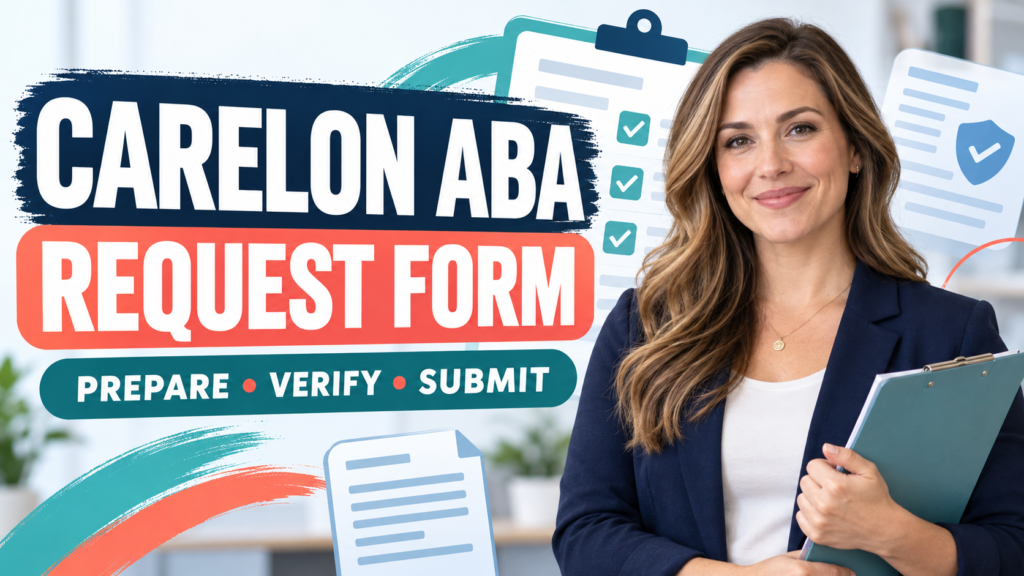
Carelon ABA request form submissions are easier to review when the member, provider, services, units, treatment plan, and current plan version all tell the same story. This guide explains what to prepare and verify before you submit. Table of Contents
Table of Contents
- What Is the Carelon ABA Request Form?
- Which Form Version Should You Use?
- What Request Type Should You Select?
- What Member Information Is Needed?
- What Provider Information Is Needed?
- How Should You Check Services, Codes, and Units?
- What Should the Treatment Plan Show?
- How Do You Submit the Request?
- What Causes a Request to Be Returned?
- What Is a Reliable Pre-Submission Workflow?
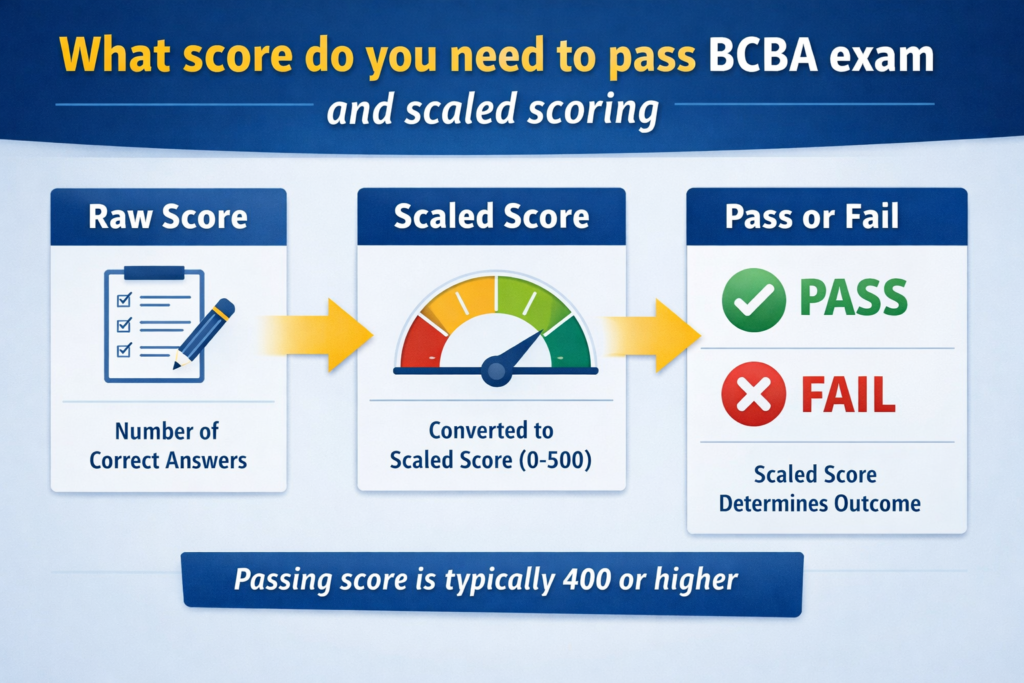
- What Is the BCBA Exam Connection?
- Carelon ABA Request Form FAQ
- Take the Free BCBA Mock Exam
What Is the Carelon ABA Request Form?
The Carelon ABA request form is a payer form used to organize information for an applied behavior analysis authorization request. The current official form identifies the request type, member, benefit or plan, provider, services requested, hours, units, setting, and supporting treatment plan. Carelon’s official forms and guides page is the best starting point because it is where the payer lists its current provider resources.
The form is not the same thing as a guarantee of coverage or payment. A complete form can still require clinical review, plan-specific authorization, eligibility verification, or additional documentation. The purpose of the form is to make the request identifiable and reviewable. It should not be used to guess at a member’s benefits, create a diagnosis, or promise that a certain number of hours will be approved.
Carelon’s public form also says that it can be used for initial and concurrent requests. “Concurrent” means continued services or a reauthorization request; it does not mean that every plan uses the same review period or submission route. Always match the form to the member’s plan and the instructions printed on the current version.
Which Form Version Should You Use?
Version control is the first practical check. Carelon publishes a general ABA Authorization Request form, and it also publishes plan- or state-specific versions. For example, the Carelon site provides separate California commercial and Medi-Cal forms. A form title that looks familiar can still be outdated or wrong for the member’s benefit. Before entering protected information, record:
- the date you downloaded the form;
- the member’s state and plan or employer context;
- whether the request is commercial, Medicaid, or another product;
- the form’s effective or updated date, if shown; and
- the official page or PDF URL where the version was obtained.
Do not combine fields from several versions into one submission. If a state-specific form asks for a different diagnosis, code, authorization channel, or treatment-report attachment, follow that version. The current version is more important than a convenient blank copy saved on a computer months ago.
What Request Type Should You Select?
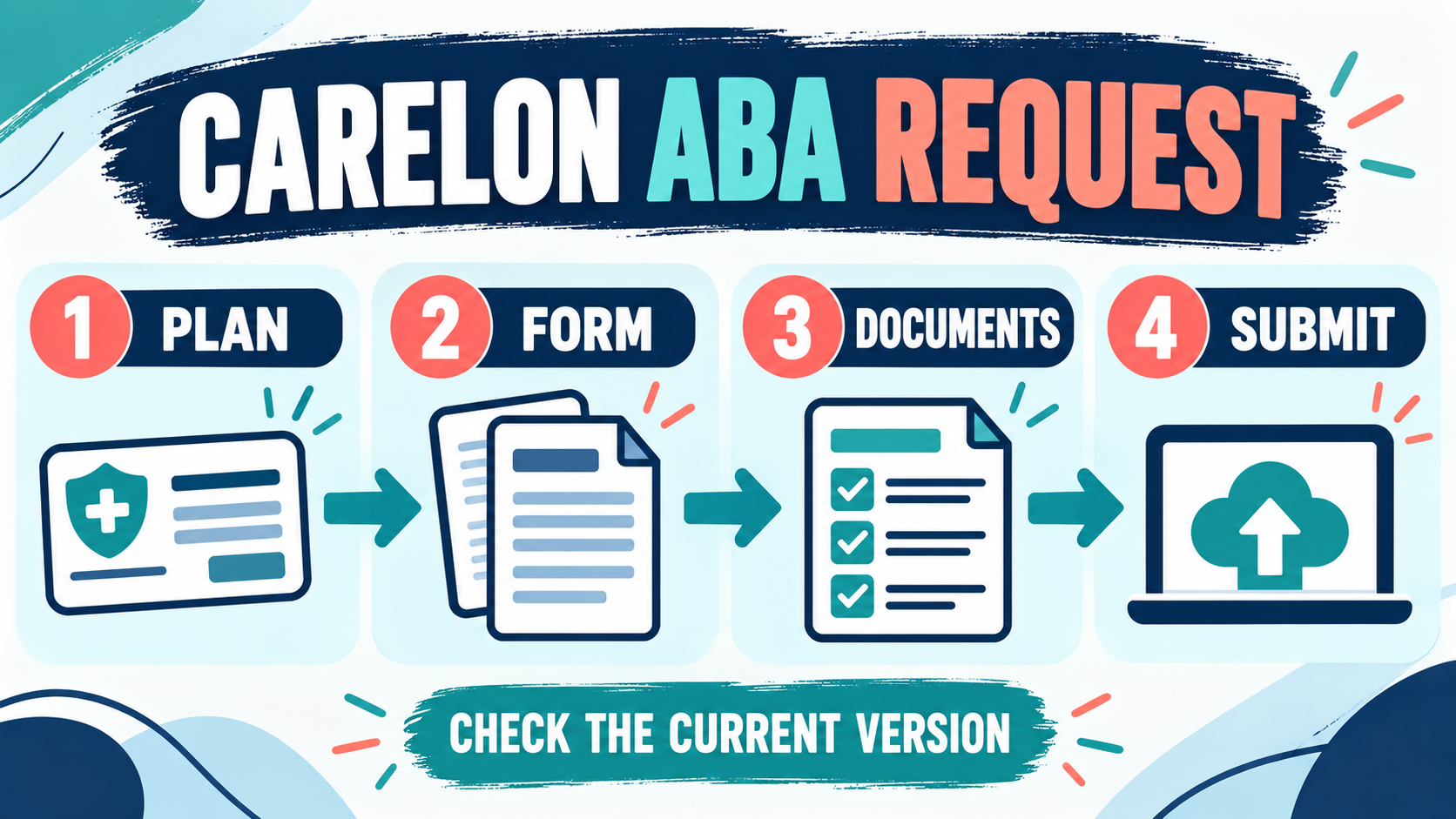
The official form generally asks the submitter to identify whether the request is for an initial assessment, initial treatment, or a concurrent request. Select the option that describes the actual request being made. Do not mark “initial treatment” simply because a new provider joined an existing case, and do not mark “concurrent” if there is no prior authorization or continuing episode to reference. The label matters because the supporting record is different:
| Request type | What the reviewer needs to understand | Common check |
|---|---|---|
| Initial assessment | What assessment service is requested and why it is appropriate for this member and plan. | The service, provider, dates, and authorization path agree. |
| Initial treatment | What treatment is proposed, at what setting and intensity, with measurable goals and supporting records. | The requested services and treatment plan describe the same episode of care. |
| Concurrent request | What has happened during the prior authorization period and why continued or modified services are requested. | Progress data, current goals, mastered goals, and new needs are identifiable. |
What Member Information Is Needed?
Use the member’s insurance card and the plan’s records as the source of truth. The form may ask for the member’s name, date of birth, age, contact information, insurance identification number, and employer or benefit plan. Enter the information exactly as the plan has it. A typo in an ID number can make a clinically complete request impossible to match to eligibility.
Use the member’s legal or plan-record name according to the form instructions, and protect the completed document as protected health information. A public educational article can explain the fields, but it should never ask a reader to paste a real member ID, diagnosis, or treatment plan into a website comment or an unsecured form.
Eligibility is a separate question from authorization. Confirm that the member is enrolled on the requested start date, that ABA is a covered benefit under the relevant product, and that any required referral or diagnosis documentation is available. If the member has changed plans, keep the old authorization separate from the new request.
What Provider Information Is Needed?
The provider section should identify the supervising or rendering professional and the organization responsible for the service. Depending on the form, this can include the BCBA or other provider name, credential or license number, state, NPI, provider ID, phone, email, agency, tax ID, group ID, and service address.
Check that the entity on the form is the same entity that will submit the claim. The individual provider, group, rendering provider, billing entity, and service location can be different fields. A mismatch does not automatically mean the request is wrong, but it should be explainable and consistent with the plan’s credentialing and billing rules.
Do not place a credential after a person’s name unless the person actually holds it. The BCBA exam and the payer form serve different purposes: passing an exam does not itself enroll a provider in a network, authorize services, or establish a contract. Keep professional credentials, licensure, and payer enrollment evidence accurate.
How Should You Check Services, Codes, and Units?
Carelon’s general form explains that units are measured in 15-minute increments and that four units equal one hour. That conversion is useful for checking arithmetic, but the form does not make every code or amount payable. The requested CPT code, descriptor, modifier, provider type, place of service, frequency, and hours must match the current plan rules and the actual service being requested. Run the same check in three directions:
- Form to treatment plan: every service and requested intensity on the form appears in the plan.
- Treatment plan to data: the requested intensity is connected to assessment findings, measurable goals, and progress or baseline information.
- Form to claim workflow: the provider, location, code, unit definition, and authorization dates can be used later without inventing missing details.
Do not inflate units because a higher number sounds safer. Do not convert weekly hours to units until you know which service line the plan allows and how the form asks for the number. If a code, modifier, or service description is unclear, verify it through the current payer policy, provider portal, or contracting contact before submission.
What Should the Treatment Plan Show?
The treatment plan should make the clinical request understandable without asking the reviewer to infer the story. At a minimum, organize the record around the referral question, assessment information, observable target behaviors or skills, baseline or current performance, measurable goals, intervention components, service setting, requested intensity, data review, and coordination with relevant caregivers or providers.
For a concurrent request, show change over the prior authorization period. Identify goals that were mastered, goals that remain active, barriers that affected progress, the data used to make the decision, and the reason for any requested change in intensity or service mix. A graph or summary should have a clear measure, time period, and target; a collection of unlabeled numbers is hard to interpret.
Keep the treatment plan and the form internally consistent. If the form says treatment occurs in the clinic but the plan describes home and school services, explain the distinction or correct the field. If the plan lists a new goal but the request is labeled concurrent with no progress update, add the missing context. The goal is not to write the longest document; it is to make the request auditable.
How Do You Submit the Request?
Use the submission route named by the current Carelon form and the member’s plan. The route may depend on the state, product, provider portal, delegated arrangement, or request type. A general instruction found in an older blog post should not override the instructions printed on the current official PDF.
Before sending, make a private record of the form version, attachments, date and time, confirmation number, and the person or portal that received the request. Keep copies according to the organization’s privacy and retention policy. If a portal rejects a file, save the error message and resolve the field or attachment problem rather than repeatedly uploading different versions without a record.
What Causes a Request to Be Returned?
A returned or incomplete request is not always a clinical denial. It may be caused by an unreadable form, missing member ID, mismatched provider information, an expired version, absent treatment plan, unclear units, missing dates, or a submission route that does not belong to the member’s plan. Separate administrative corrections from a medical-necessity decision so the next action is clear.
- Identity mismatch: member, group, provider, or plan fields do not match the payer record.
- Scope mismatch: the form version does not fit the state, product, or request type.
- Service mismatch: codes, modifiers, units, setting, and hours conflict across documents.
- Evidence gap: the plan lacks baseline, progress, measurable goals, or a clear reason for continuing care.
- Privacy or file problem: the attachment is unreadable, incomplete, encrypted incorrectly, or sent through an unapproved channel.
Read the written notice carefully. Do not resubmit a materially different clinical record just to obtain approval, and do not change data retrospectively. If the decision requires an appeal, peer review, or additional clinical explanation, follow the plan’s written instructions and involve the responsible qualified professional.
What Is a Reliable Pre-Submission Workflow?
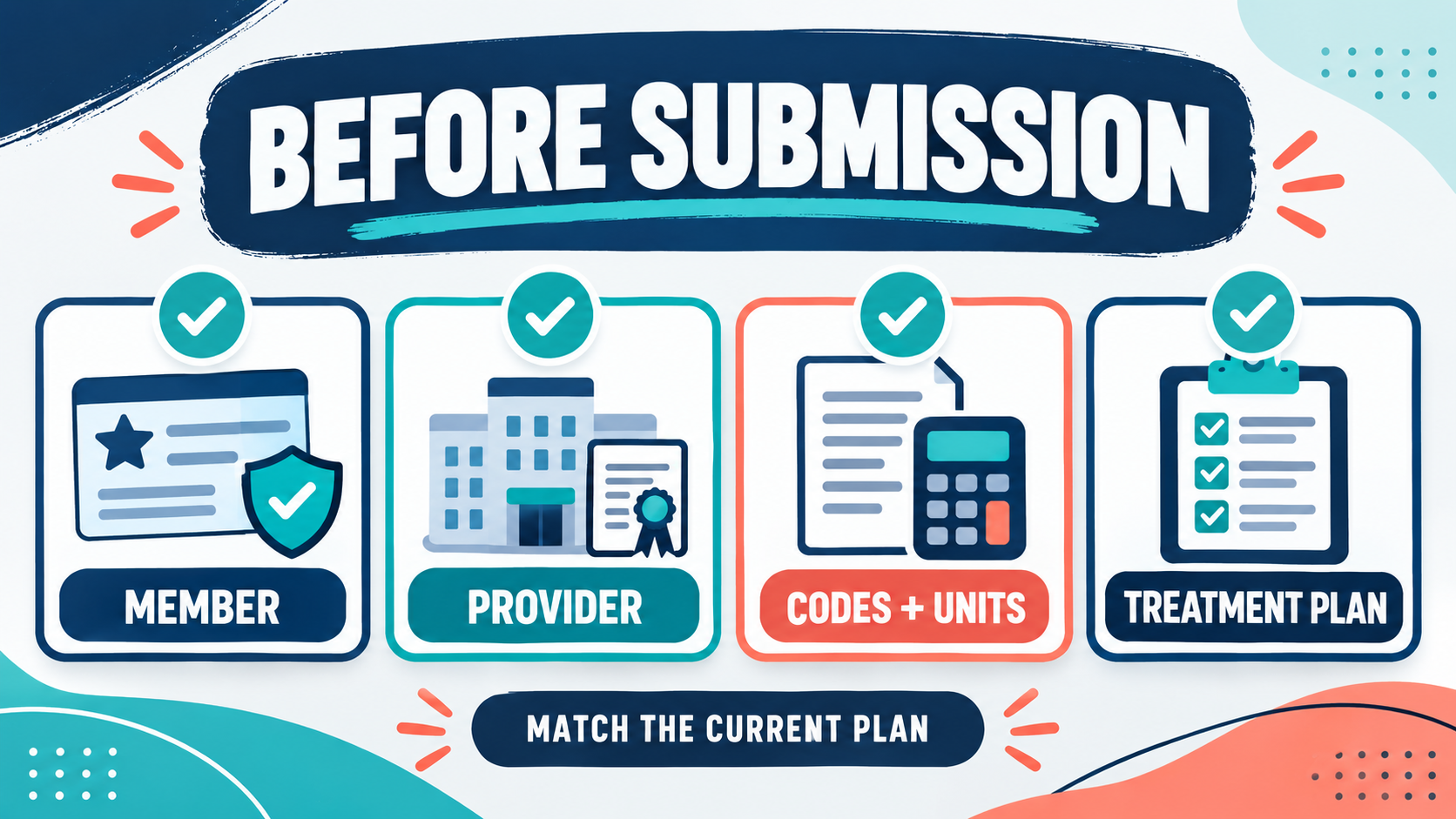
Use this short sequence before the request leaves the organization:
- Identify the plan: state, product, member eligibility, and current official form.
- Select the request type: initial assessment, initial treatment, or concurrent request.
- Complete identity fields: member, provider, group, NPI, tax ID, and service location.
- Match services: code, modifier, units, hours, frequency, setting, and requested dates.
- Attach the story: treatment plan, assessment or progress record, data display, and required signatures.
- Run a contradiction check: compare the form, plan, data, and submission route line by line.
- Save evidence of submission: version, attachments, confirmation, and follow-up owner.
This workflow also makes it easier to study authorization questions for the BCBA exam: identify the relevant document, define the variable, check the data, and avoid claiming more certainty than the evidence supports.
What Is the BCBA Exam Connection?
The current BACB BCBA Test Content Outline connects exam preparation to assessment, measurement, intervention, ethics, documentation, and professional collaboration. A Carelon form is not a BCBA study guide, but it is a practical example of how those ideas meet in a real administrative workflow. Three exam habits are especially useful:
- Operational clarity: define the service, behavior, skill, measure, and time period instead of relying on vague labels.
- Data-based decisions: link the requested service or change to baseline, progress, and the question being answered.
- Ethical accuracy: follow the BACB ethics information; never alter records, misrepresent credentials, or treat payer approval as permission to provide clinically inappropriate care.
For a focused checkpoint after reviewing this workflow, you can use the free BCBA mock exam. It is a study resource, not an official BACB product and not a substitute for the current payer instructions or clinical supervision.
Carelon ABA Request Form FAQ
Can I use an old Carelon ABA form?
Only if the current official page or plan instructions confirm that it is still accepted. Start with the official forms-and-guides page and verify the version date. Is the form itself an authorization?
No. It is a request. Coverage, eligibility, authorization, medical necessity, network status, and plan rules still apply.
Does four units always equal four hours?
No. Carelon’s general form describes four 15-minute units as one hour. Confirm that the service line, unit definition, and plan rules match the request before doing the conversion. What if the provider or location changes?
Do not silently reuse the old request. Check the plan’s credentialing, authorization, and update instructions and document the change accurately. What if the request is returned?
Classify the reason first—administrative, version, coding, documentation, or clinical review—then correct only what the notice asks for and preserve the submission record.
Take the Free BCBA Mock Exam
If you want a low-pressure way to check your recall, use the free practice resource below. Take the Free BCBA Mock Exam