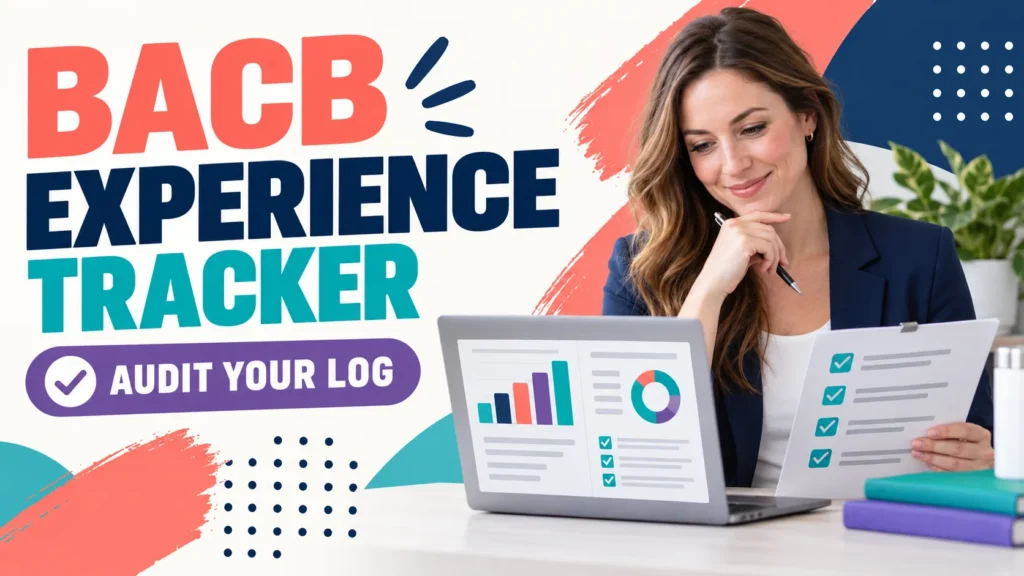
A BACB experience tracker is useful only when it helps you and your supervisor verify the same story: what happened, when it happened, who supervised it, how it was classified, and which form will preserve it.
Table of Contents
- BACB Experience Tracker: What It Must Prove
- Build an Entry That Can Be Reviewed
- Separate Your Log From Supervisor Sign-Off
- Run a Month-End Audit
- Protect the Record Through the 2027 Transition
- Choose a Tracker by the Workflow, Not the Interface
- Frequently Asked Questions
- Quick Review Checklist
- Take the Free BCBA Mock Exam
If you are searching for a BACB experience tracker, you may be deciding between the BACB’s own resources, Excel, Google Sheets, a fieldwork app, or a custom log. The tool matters, but the audit trail matters more. A polished dashboard cannot rescue missing dates, unclear activity descriptions, unsupported classifications, or a supervisor who never reviewed the month before signing.
The BACB’s official fieldwork documentation guidance says that both the trainee and supervisor should track fieldwork hours, and that the supervisor should review the hours for each supervisory period before signing the Monthly Fieldwork Verification Form. Use the current BACB handbook and forms for your application date; this article is a documentation workflow, not an eligibility decision.
BACB Experience Tracker: What It Must Prove
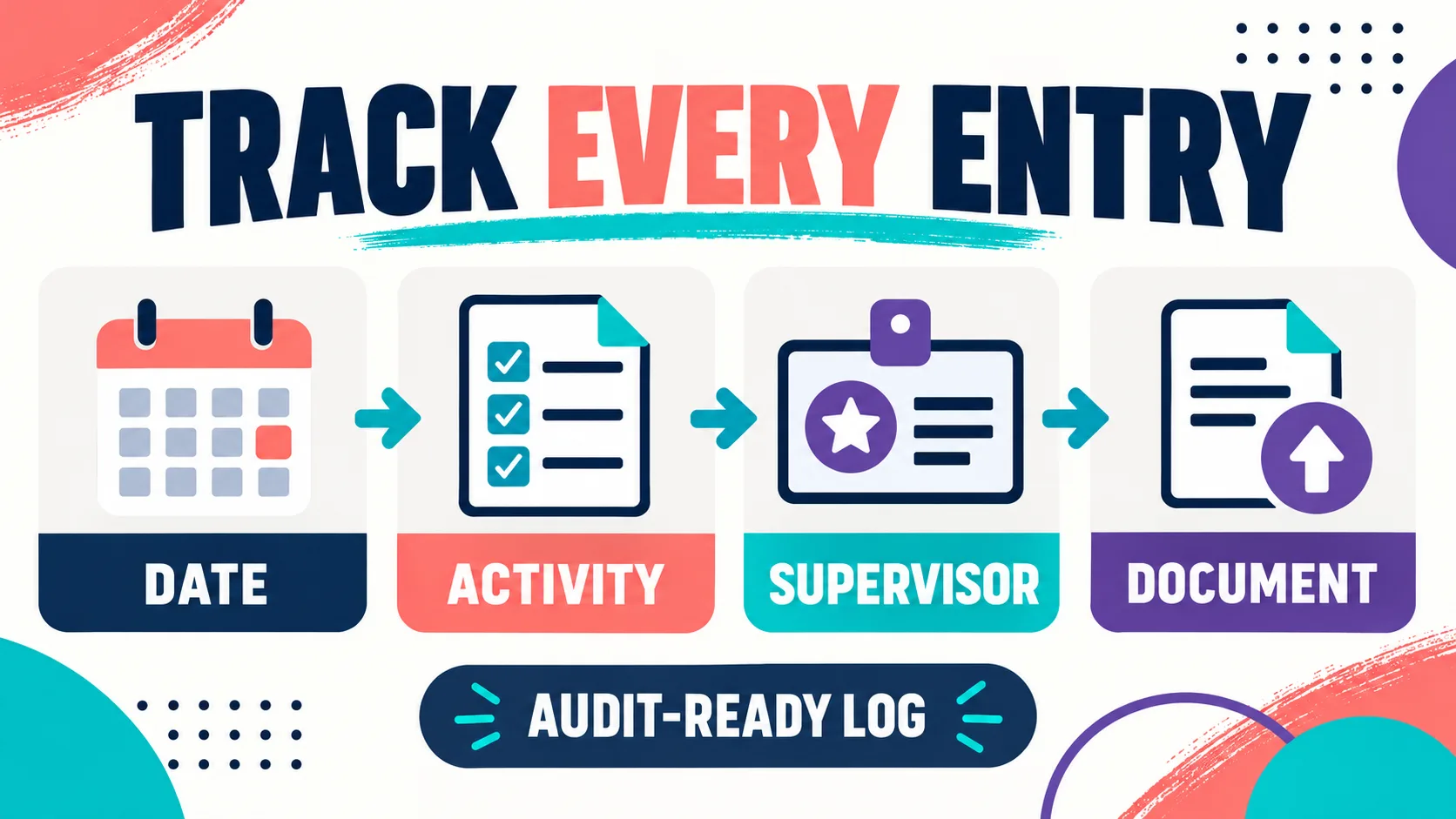
Your tracker should make four questions easy to answer:
- What occurred? The entry describes the behavior-analytic activity, not only “worked” or “supervision.”
- When and where did it occur? The date, setting, and relevant site or organization are identifiable.
- How was it counted? The entry distinguishes restricted, unrestricted, supervised, independent, individual, group, and observation information when those categories apply.
- Who can verify it? The responsible supervisor, trainee, form period, and supporting documents can be connected.
The tracker is not the BACB’s decision about whether an activity qualifies. It is your organized evidence system. Use it to surface questions early, then ask the responsible supervisor or the BACB when an activity is unclear.
| Record layer | Minimum question | Useful evidence |
|---|---|---|
| Session entry | What activity did I perform on this date? | Date, duration, setting, activity description, and category |
| Supervision record | Who reviewed the work and what happened during supervision? | Supervisor identity, supervision type, meeting notes, and observation details |
| Monthly summary | Does this supervisory period meet the applicable checks? | Totals, percentages, observation minutes, group limits, and exceptions |
| Verification packet | Can the monthly and final forms be supported later? | Signed forms, contracts, exports, correspondence, and backup copies |
A tracker that only totals hours is incomplete. A tracker that records every detail but has no monthly review is also incomplete. The goal is a chain from individual entry to supervisor review to the form that represents the period.
Build an Entry That Can Be Reviewed
Write entries for a future reviewer who was not in the room. “Supervision, 2 hours” does not explain what was reviewed, what decisions were made, or how the time should be classified. A better entry names the activity and its purpose: for example, reviewing assessment data, drafting a behavior plan, analyzing a graph, training staff, or observing implementation—when those activities accurately describe what occurred.
Do not embellish an entry to make it sound more unrestricted or more clinical. Accurate documentation is more valuable than impressive wording. If one session contains multiple activities, record enough detail to show the time allocation and ask your supervisor how the categories should be treated.
Use a consistent naming convention for sites, supervisors, and clients or cases. Avoid unnecessary protected health information in a general tracker; follow your organization’s privacy rules and use a code when a full name is not needed. Keep supporting notes in the approved system rather than copying sensitive details into a personal spreadsheet.
Separate Your Log From Supervisor Sign-Off
Your personal tracker and the official verification form serve different roles. Your tracker can contain working notes, filters, and reminders. The form is the formal record that you and the responsible supervisor sign for the applicable supervisory period. The tracker should make the form easier to complete, not pretend to be the form.
Review the month with your supervisor before the signature request. Compare totals and dates, discuss any ambiguous activity, confirm observation information, and record the resolution. If your supervisor corrects a classification, keep the corrected record and note what changed. Do not silently overwrite a historical entry so that your audit trail loses the original context.
The BACB’s supervision and training resources also emphasize that supervisors who oversee fieldwork must meet the applicable supervision requirements. Verify the current handbook and supervisor conditions rather than relying on an app’s “compliant” badge. Software can calculate; it cannot replace professional review or a certification-board decision.
Run a Month-End Audit
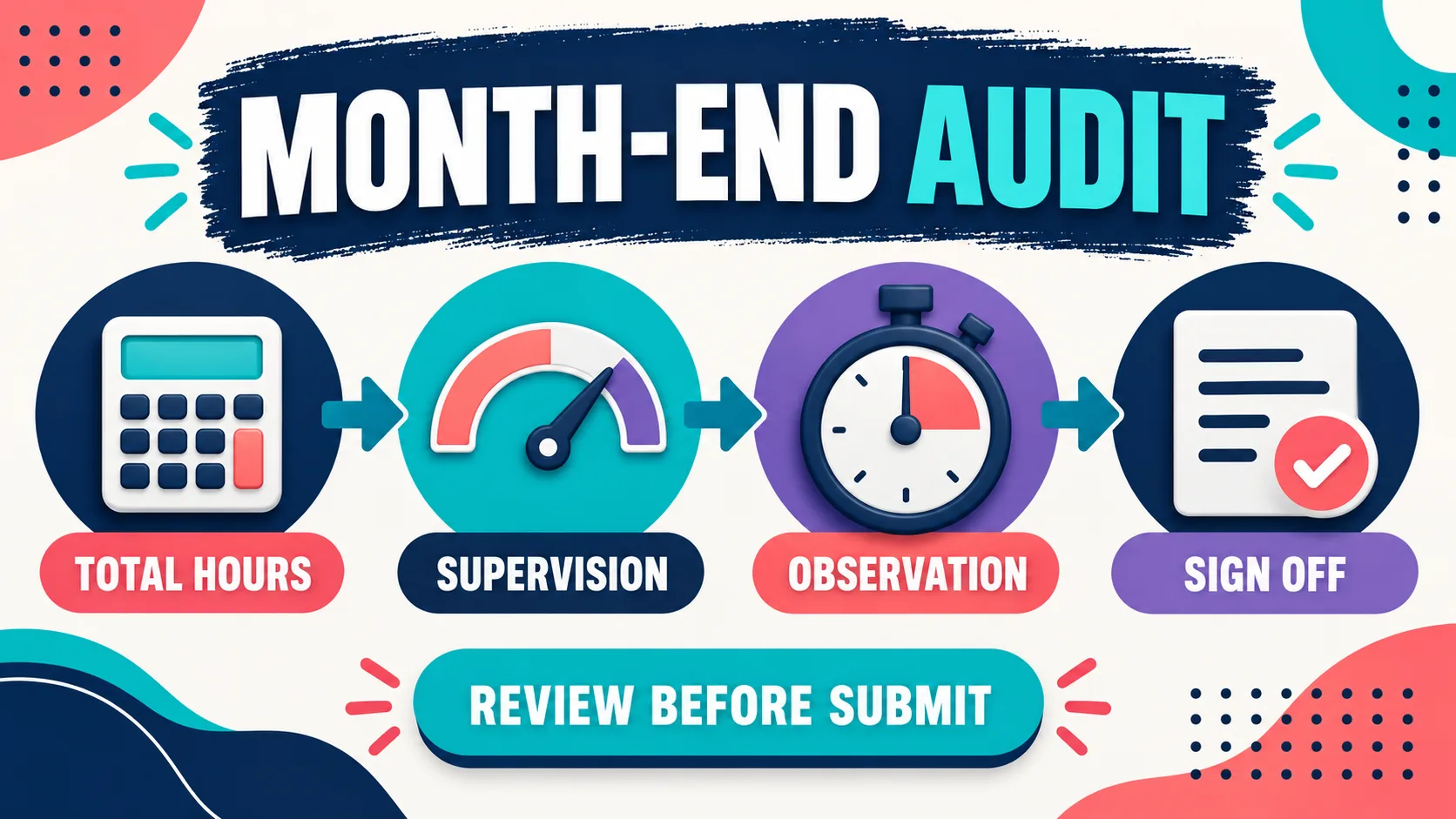
Set a recurring month-end appointment with yourself before you send anything for signature. The audit should be short enough to happen every month and specific enough to catch a missing item while the details are still available.
| Audit pass | Check | If it fails |
|---|---|---|
| Completeness | Every day or activity period has an entry, duration, setting, and description. | Reconstruct from approved records while the month is fresh; do not guess. |
| Classification | Restricted, unrestricted, supervised, independent, and group information is internally consistent. | Flag the entry for supervisor review instead of changing it silently. |
| Quantities | Totals, supervision percentage, observation time, and any applicable cap or minimum are checked. | Pause sign-off and ask what needs correction or what requirement set applies. |
| Documents | The contract, form version, supervisor information, signatures, and backup export are connected. | Create an action item and keep a dated record of the follow-up. |
For a 2027 application, the BACB overview describes different fieldwork details for supervised and concentrated supervised fieldwork, including the hours, supervision percentage, monthly range, and observation requirement. Do not hard-code old values into a new tracker without checking the official requirement year. If your experience crosses the transition, keep the records needed to show which rules and forms apply to each application plan.
Protect the Record Through the 2027 Transition
The BACB’s transition guidance recommends careful planning when coursework or fieldwork spans the 2022 and 2027 requirements. It explains that applicants should review both sets of requirements and maintain documentation that demonstrates compliance. That makes version control a central feature of your tracker.
Add a requirement-year field to each organized fieldwork experience or month. Store the form version next to the export, note your expected application date, and save any written answer from your program or supervisor. A tracker does not need to predict every future rule; it needs to make the assumptions visible so you can update them without losing history.
Be especially careful with observation records. The current 2027 overview describes observation in cumulative minutes for the applicable fieldwork type, while older workflows may have used a different way to describe the observation. The exact requirement depends on the application rules that govern you. Keep the raw observation detail and let the responsible supervisor confirm how it is counted.
Choose a Tracker by the Workflow, Not the Interface
Excel, Google Sheets, an app, or a paper-plus-digital system can all work if they preserve accurate entries and review. Choose by the failure you are trying to prevent.
| Tool type | Useful when | Control you must add |
|---|---|---|
| Excel | You want transparent formulas, exports, and local control. | Protect formulas, keep dated backups, and have a supervisor review the source rows. |
| Google Sheets | You and a supervisor need shared access and comments. | Control permissions, preserve revisions, and do not place unnecessary protected information in the file. |
| Fieldwork app | You need reminders, mobile entry, calculations, or form exports. | Check the requirement-year settings, export the raw data, and confirm who owns access to the records. |
| Paper plus digital backup | Your setting requires handwritten notes or limited technology. | Scan promptly, label files consistently, and reconcile the digital copy before sign-off. |
If you want a spreadsheet-based starting point, compare the existing BACB fieldwork tracker Excel guide with your supervisor’s preferred review process. The point is not to choose the most sophisticated interface. The point is to make the month visible, reviewable, exportable, and backed up.
Once your documentation workflow is stable, you can keep exam preparation in its own lane. A practice set or Free BCBA Mock Exam may help you check concepts, but it does not validate fieldwork hours or replace supervisor sign-off.
Frequently Asked Questions
Is the BACB experience tracker an official form?: Use the current BACB resources and forms for the requirement year that governs your application. A spreadsheet, app, or personal log is a documentation system; it should support the official monthly and final verification process rather than be treated as a substitute for a signed form.
Who is responsible for tracking BCBA experience hours?: Both the trainee and the responsible supervisor should track and review the hours. The trainee should maintain an accurate working record, and the supervisor should review the period before signing the applicable verification form.
What should I record in an experience tracker?: Record the date, duration, setting, activity description, classification, supervisor information, supervision details, observation information, and supporting documentation needed for the applicable requirements. Keep the record accurate and avoid unnecessary protected health information.
How often should I review my BACB experience tracker?: Review entries as close to the activity as practical, then perform a structured month-end or supervisory-period audit before requesting a signature. Early review makes corrections easier and prevents a large reconstruction at the end of fieldwork.
What changes for trackers in 2027?: The data you need to preserve depends on the requirement year and application plan. The BACB transition guidance describes changes to fieldwork details and forms, so add version and application-date controls, keep raw observation detail, and confirm the current rules with the BACB and your supervisor.
Bottom line: The best BACB experience tracker is the one that lets you and your supervisor review the same evidence before sign-off. Capture the activity, preserve the classification, audit the month, record the requirement year, export backups, and keep the official BACB forms as the final reference.
Quick Review Checklist
Use this final checklist to turn bacb experience tracker into exam-ready reasoning. The goal is not to memorize a label in isolation; it is to identify the relevant evidence and explain why the best answer fits the scenario. Key ideas to review:
- State the central definition or decision point for bacb experience tracker in your own words.
- Identify the detail that makes bacb experience tracker different from its closest related ABA term.
- Separate the observable facts in a scenario from assumptions that are not supported by the facts.
- Write one example and one nonexample so you can recognize the concept in a new setting.
Exam application checks:
- Ask what the question is actually requesting before comparing the answer choices.
- Mark the antecedent, response, consequence, or other evidence that supports the selected answer.
- Look for a distractor that describes a related process but does not answer the specific question.
Final self-check:
- Explain how you would verify the interpretation with clear observations or data.
- Change one detail in the scenario and decide whether your answer should change.
- Give a one-sentence rationale that a supervisor or study partner could evaluate.
Take the Free BCBA Mock Exam
When you are ready to apply the idea, use the free practice resource below for additional feedback. Take the Free BCBA Mock Exam