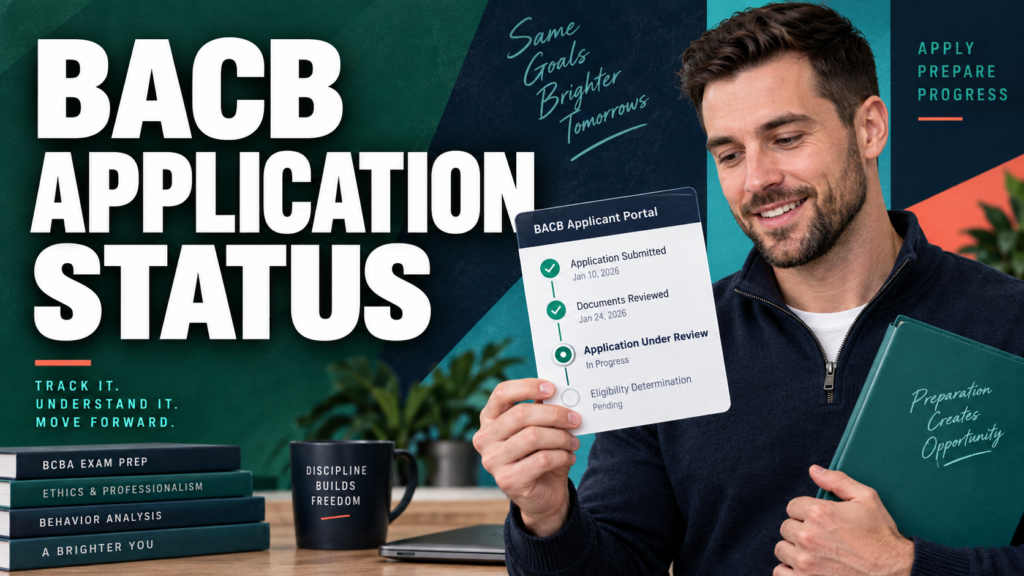
BACB application status is shown in the Applications widget inside your BACB portal account. The label tells you where the application is in the certification process and, in many cases, what you need to do next. It is different from the public processing queue: the queue shows which submission dates staff are reviewing, while your portal status describes your individual application.
Table of Contents
- Where to Check Your BACB Application Status
- BACB Application Status Meanings
- What to Do After Reading the Status
- When Your BACB Application Status Seems Stuck
- BACB Application Status and the 2027 Transition
- Common BACB Application-Status Mistakes
- Quick BACB Status Checklist
- Keep Studying While You Monitor Your Status
- Take the Free BCBA Mock Exam
- References
As of the BACB Application Processing Updates page dated September 25, 2026, BCBA and BCaBA certification applications were listed as reviewing submissions from September 24, 2026. That date is useful context, but it is not a personal decision date. To interpret your application correctly, check the status in your portal, the Action Items widget, your email, and the official BACB guidance together. This guide translates the official status labels into plain language, gives the next action for each one, and explains what to do if your status appears unchanged during the 2027 requirements transition. Table of Contents
Where to Check Your BACB Application Status
Start in the BACB portal rather than relying on a search result, an old screenshot, or a message from someone else. The BACB’s application life-cycle guide says the Applications widget shows where your application is in the review process. Your email is still important because the BACB may send a request for additional documentation or a determination message there.
- Sign in to your BACB portal account.
- Open the Applications tab or Applications widget.
- Read the exact status attached to the relevant application.
- Open the Action Items widget if the portal shows one.
- Check the email address connected to your account, including spam or junk folders.
- Use the official Application Processing Updates page only as queue context.
If you recently sent a transcript or another document, a university confirmation that the document was sent is not the same as BACB confirmation that it was received. Keep the delivery record and wait for the document to appear in your individual record or for the BACB to confirm receipt.
BACB Application Status Meanings
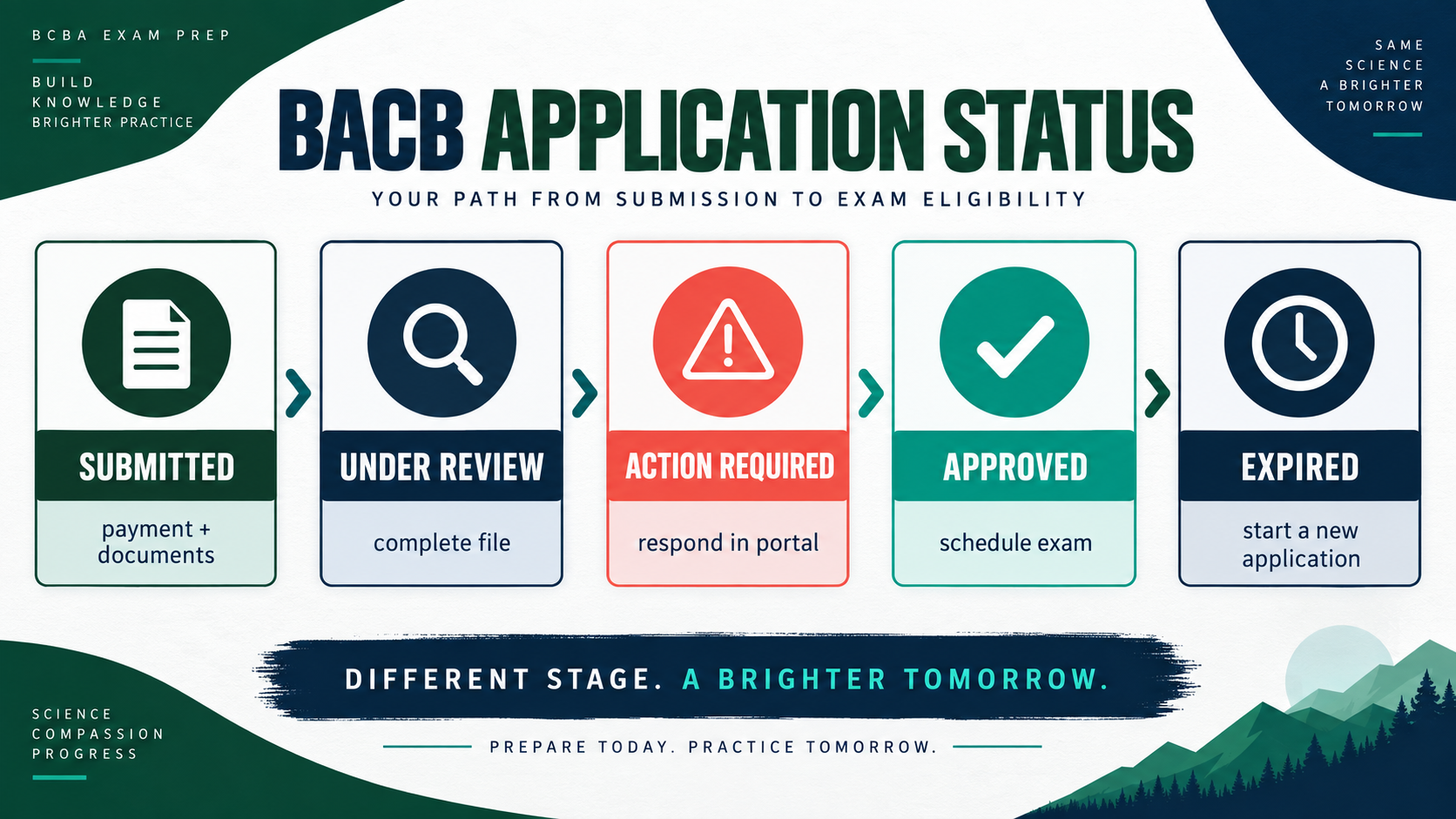
The following table follows the status meanings in the BACB’s official application life-cycle guide. The exact wording and available actions can vary by application type, so use the label in your own portal as the starting point.
| Portal status | What it means | Next action |
|---|---|---|
| Incomplete | The application has not been completed and submitted for review. | Select the pencil icon, complete the required fields, and submit it. |
| Submitted—Awaiting Payment and Documents | The application was submitted, but payment and transcript(s) have not been received. | Confirm that payment and official transcript(s) were sent to the BACB. |
| Submitted—Awaiting Payment | Supporting documents were received, but review waits for payment. | Open My Account, choose Invoices and Payment, and complete payment. |
| Submitted—Awaiting Documents | The BACB has not received the required transcript(s). | Contact the university or transcript service and confirm the official delivery. |
| Under Review | The application is considered complete and payment has been received; BACB staff are reviewing it. | Monitor the portal and email for a decision or a request for more documentation. |
| Awaiting Applicant Action | Additional information or documents are required before processing can continue. | Open the Action Items widget, complete each outstanding item, and submit the response. |
| Approved—Exam Authorization Confirmed | The application was approved, but the certification examination has not been taken. | Wait for the examination authorization information and schedule through the approved testing process. |
| Approved: Pass/Fail | This status records the examination result. | After a pass, no retake action is needed. After a fail, complete a retake application if you want another attempt. |
| Expired | The application was created more than 90 days ago and is no longer active. | If you still want to apply, select and complete a new application under the current instructions. |
| Approved | This label can apply to recertification, voluntary inactive status, return from voluntary inactive status, or BCBA-D applications. | Usually no further action is required; read the related email for the specific application type. |
What to Do After Reading the Status
Use the status as a decision point rather than as a reason to send every document again. If the portal says Incomplete, finish the application itself. If it says Awaiting Payment or Awaiting Documents, correct that specific missing item. If it says Under Review, your job is mainly to stay reachable and respond if the BACB asks for something.
Awaiting Applicant Action deserves special attention. Open each action item, read the requested document or correction, and submit exactly what is requested through the permitted portal workflow. Save a copy of the file, the date submitted, and any confirmation. A corrected document may enter review based on the date it was resubmitted, so the record of that date matters.
- Match the label to one specific missing step instead of resending the entire application.
- Use the portal’s requested upload or response path for the document.
- Save the confirmation and the date you completed the action item.
- Return to the portal later to confirm that the item is no longer open.
When the status changes to Approved—Exam Authorization Confirmed, the administrative application step is complete, but the examination step remains. Read the authorization email and follow the current scheduling instructions. An approved application is not the same as a passing examination result.
When Your BACB Application Status Seems Stuck
First, compare the exact status with the last email you received. Then verify that your payment cleared, your official transcript was sent, and no Action Items widget is waiting. The official processing page is updated to show the submission dates being reviewed, but it does not replace the status in your own portal and cannot reveal a private decision date.
As of September 25, 2026, the official page listed BCBA/BCaBA certification applications as reviewing submissions from September 24, 2026. That snapshot can move daily. If your documents were resubmitted after an action item, use the resubmission date when the BACB instructs you to do so. Do not create a duplicate application or resend the same documents simply because the label has not changed.
If the portal itself is not working, check the BACB’s Portal Updates and Known Issues page. For a genuine application-status inquiry, use the BACB’s official Contact Us process. The BACB advises applicants to check the processing page first and not to resubmit documentation while waiting for feedback.
BACB Application Status and the 2027 Transition
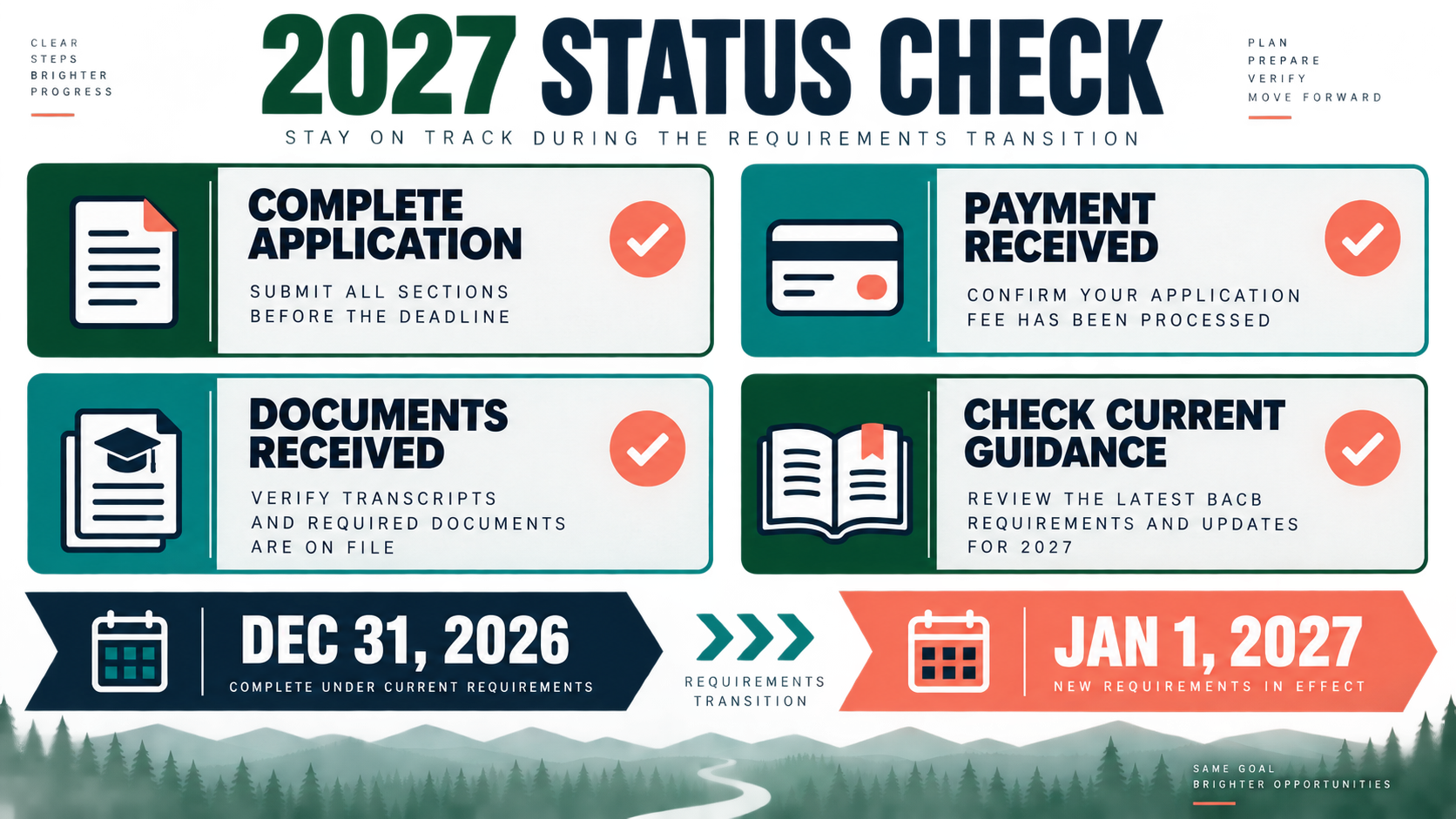
The status label does not, by itself, tell you whether the BACB will evaluate every requirement under the 2022 rules or the 2027 rules. The BACB says significant BCBA and BCaBA requirement changes take effect January 1, 2027. To be reviewed under the current 2022 requirements, a complete application—including payment and all required documents—must be received by December 31, 2026.
That deadline is about a complete application, not simply opening an application or submitting an unfinished form. If your portal shows Incomplete, Awaiting Payment, or Awaiting Documents, do not assume that the application is protected by the transition date. Check the current 2027 transition guidance, the applicable handbook, and the forms for your pathway.
For applicants close to the transition, keep a simple record of the application submission date, payment date, transcript receipt, fieldwork or coursework documents, and any action-item resubmission. If the status is unclear, ask the BACB through its official channel rather than guessing from a general social-media post or an outdated screenshot.
Common BACB Application-Status Mistakes
- Confusing the public processing queue with your individual portal status.
- Assuming “submitted” means the BACB has received payment and every required document.
- Ignoring the Action Items widget because the original application was already submitted.
- Counting a university’s sent confirmation as proof that the BACB received the transcript.
- Resubmitting identical documents instead of following the exact action-item instructions.
- Opening a second application before checking email, the portal, and official BACB guidance.
- Treating “Under Review” as an approval or as a denial.
- Assuming an approved application means the certification examination has already been passed.
- Reading an old status screenshot without checking the current portal and current handbook.
- Assuming that opening an application alone satisfies the 2027 transition deadline.
Quick BACB Status Checklist
Before contacting the BACB or changing your application plan, record these items:
- The exact status displayed in the Applications widget.
- Whether the Action Items widget contains an open request.
- The date payment was made and the invoice shows as paid.
- The date each official transcript or required document was sent and received.
- The date any corrected material was resubmitted.
- The latest email, processing-page update, and relevant handbook version.
Keep Studying While You Monitor Your Status
Administrative waiting and exam preparation are separate tasks. While you monitor the BACB portal and respond to any official request, our free BCBA mock exam can help you keep a consistent practice routine. Practice questions are a study aid; they do not replace the BACB portal, handbook, transition guidance, or an official response about your individual application. Try the Free BCBA Mock Exam
Take the Free BCBA Mock Exam
If you want a low-pressure way to check your recall, use the free practice resource below. Take the Free BCBA Mock Exam
References
- The Life Cycle of BCBA and BCaBA Applications
- BACB Application Processing Updates
- BACB Contact Us
- BACB Portal Updates and Known Issues
- 2027 BCBA and BCaBA Requirements: What You Need to Know
- BCBA Handbook